Important
Reliability and security-related updates. Can install automatically, or notify you first.

Feature reference
Features
Driver and firmware updates, one-click Fixes & Diagnostics, device cards with product details, scheduled scans, and Virtual Agent help when automated repair is not enough.
Updates & messages
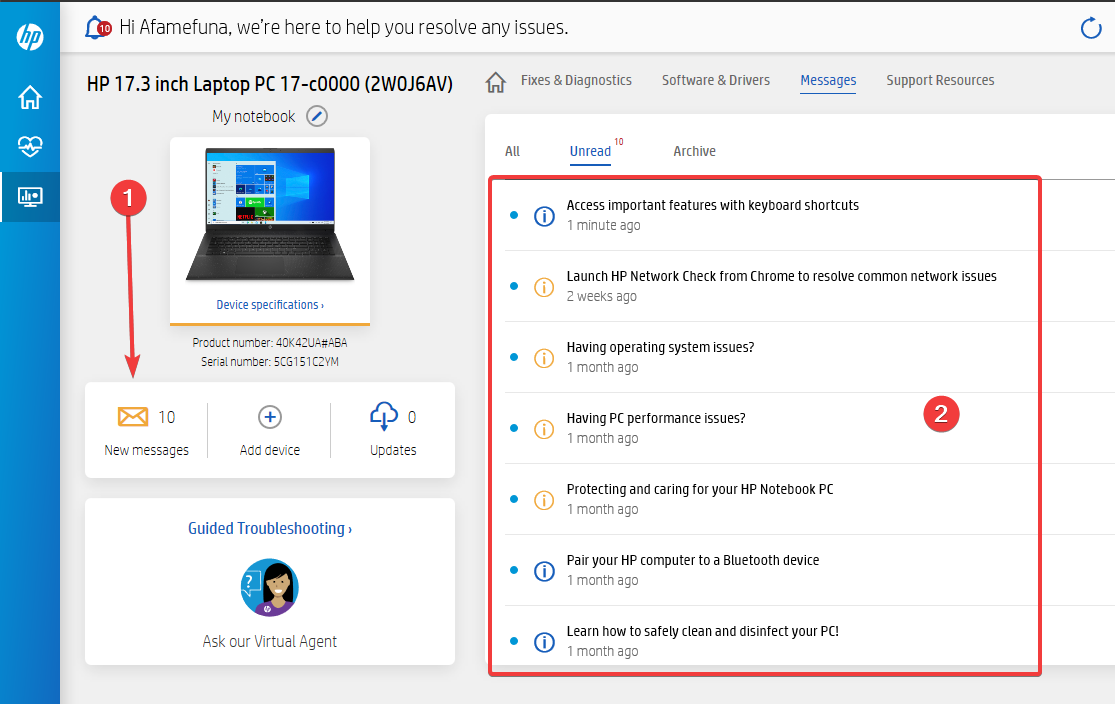
A background scan fills Messages and Updates. Items sort into lanes so critical packages stay ahead of optional tips.
Reliability and security-related updates. Can install automatically, or notify you first.
Performance and stability packages worth reviewing after the weekly scan.
Experience improvements and non-urgent add-ons you can install when convenient.
Fixes & Diagnostics
Run targeted checks for common Windows and HP hardware issues. If a fix cannot finish the job, move on to Virtual Agent.
Scans frequent OS problems and applies available repairs.
Looks for slowdowns and cleanup opportunities on the PC.
Targets sound device and driver issues that block playback.
Reviews battery health signals and related power problems.
Helps recover Wi-Fi and connectivity failures on Windows.
Repair paths for HP printers connected to the Windows PC.
Devices & settings
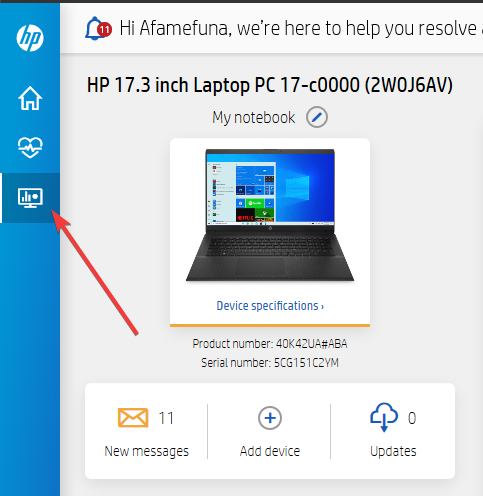
Device cards surface product and serial details. Application Settings control the weekly update schedule and related preferences.
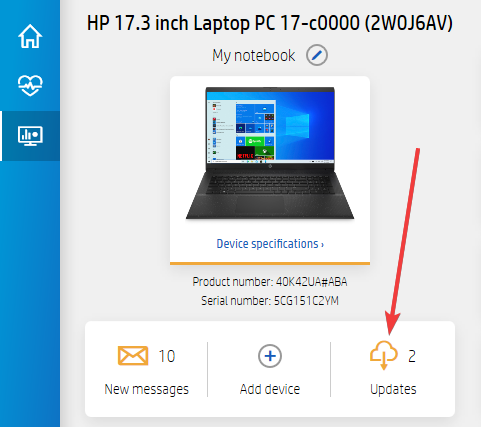
Open a card to confirm model details, serial number, and jump into Updates for that device.
Install on other makers’ Windows machines when you need HP printer and PC support tools. Sign-in can unlock connected devices where offered.
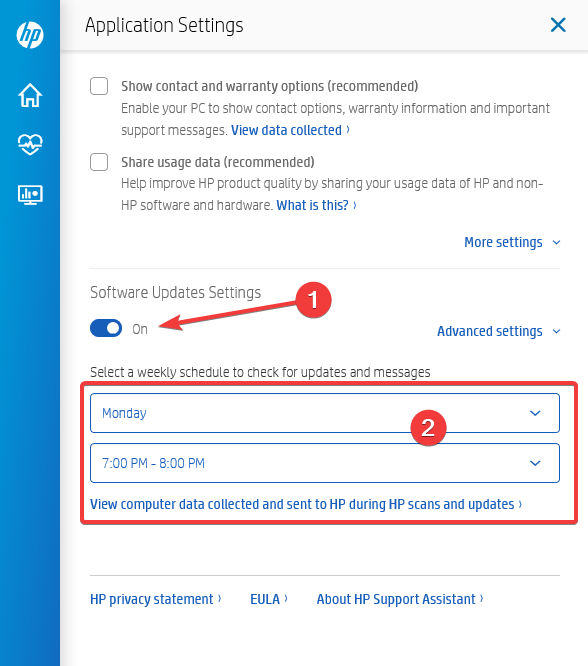
Keep the automatic scan on a schedule that fits your PC. Pair it with Windows Update so OS patches and HP packages stay in sync.
Virtual Agent
If automated Fixes stop short, Virtual Agent walks through next steps for HP PCs and printers without leaving the toolkit.
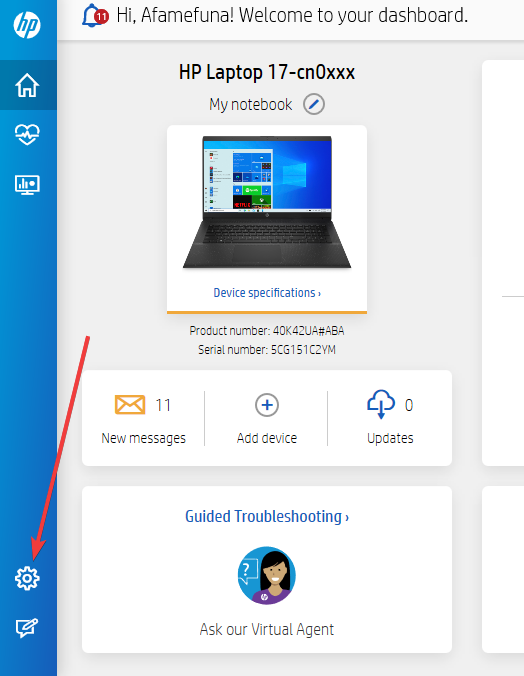
Use Fixes first for fast local repairs. Open Virtual Agent when you need a guided path, connected-device context, or a clearer next action.
Download 9.46.17.0 for Windows 10 RS4+ and Windows 11, then verify the published SHA hashes before you run the file.