Do this
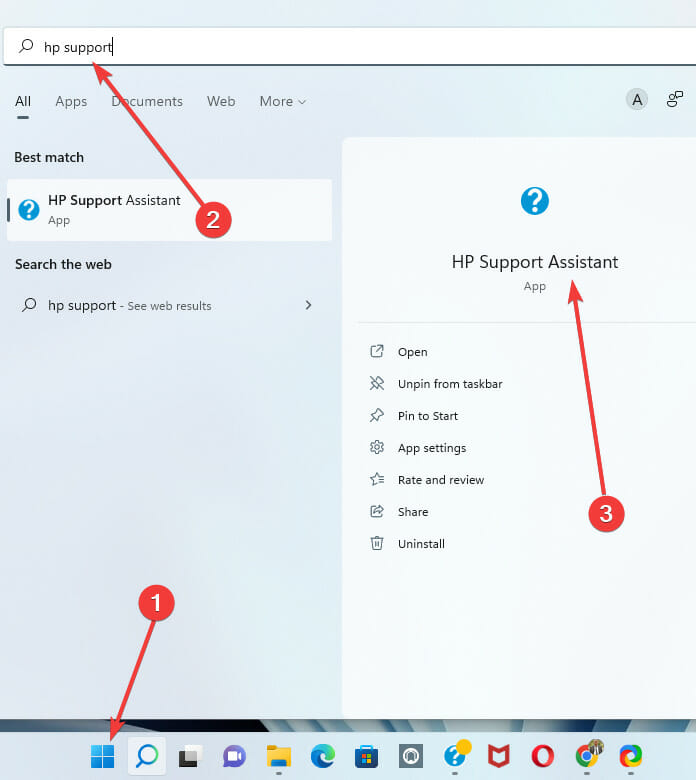
- 1Open the Start menu.
- 2Search for hp support.
- 3Open HP Support Assistant, or click the taskbar help mark if it is pinned.

Troubleshooting guides
Guides
Short, visual walkthroughs for launching HP Support Assistant, installing build 9.46.17.0, cleaning a stuck install, and responding to antivirus noise on driver drops.
Launch
If the app is already installed, Start search or the taskbar help mark is usually enough.
Stay current
Prefer a fresh install of the published package when the in-app updater stalls or you are still on an older release.
HP_Support_Assistant_V9.46.17.0.exe and finish setup.Why this build
If you are on an earlier build covered by HP advisory HPSBGN04031, move to 9.46.17.0 or later before you rely on the toolkit again.
Trust notesClean install
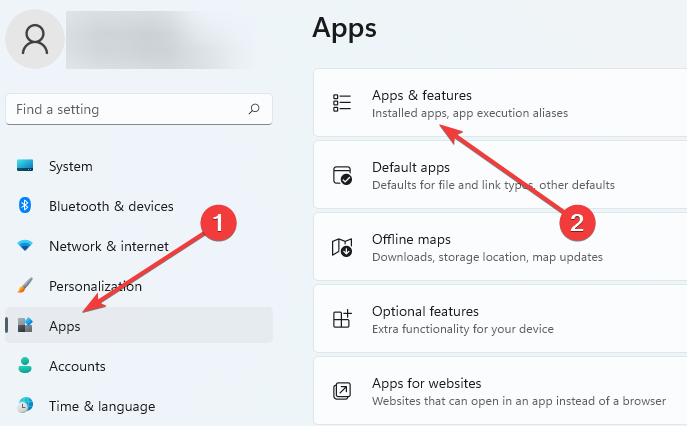
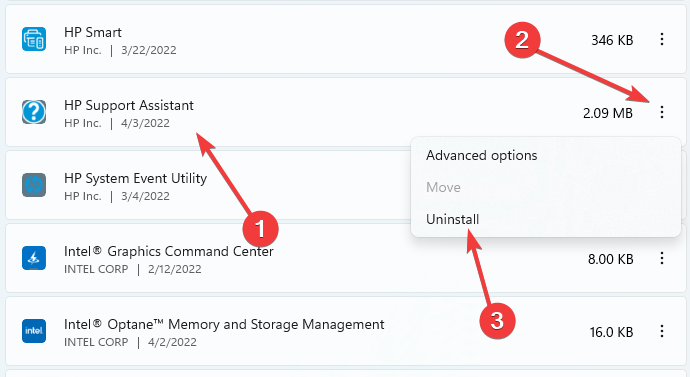
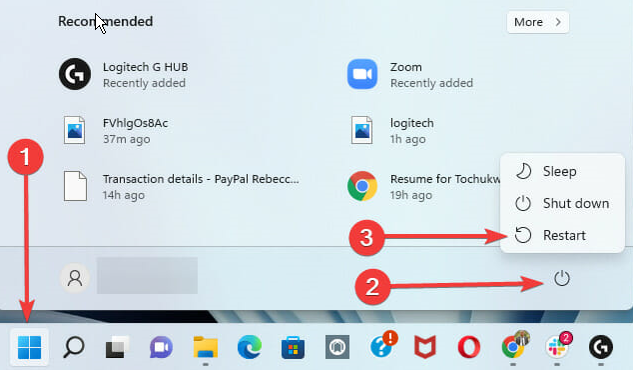
Remove the current app from Windows Apps, restart, then install 9.46.17.0 again.
Use the clean path if installs hang, the weekly scan never finishes, or the app opens but cannot apply updates. Keep Windows Update current alongside the HP package.
Security alerts
Heuristic detections can appear while HP Support Assistant installs certain driver packages. Confirm the installer first, then decide whether to allow the temporary file.
Match SHA-256 for HP_Support_Assistant_V9.46.17.0.exe before you restore or exclude anything.
Defender heuristics such as Trojan:Win32/Sonbokli.A!cl have been reported on some driver drops. That does not replace hash checks.
Reset or uninstall from Windows Apps, restart, reinstall the published build, and avoid unsigned mirrors.
Download 9.46.17.0, verify the hashes, then come back here if the install path still stalls.